Gamla fotografier. På nytt.
Restaurera ett skadat foto
Repor och blekt papper - restore ger tillbaka ansiktet familjen minns.
Färglägg svartvita foton
Färgläggning ger hud och bakgrund en naturlig ton, utan handmålning.
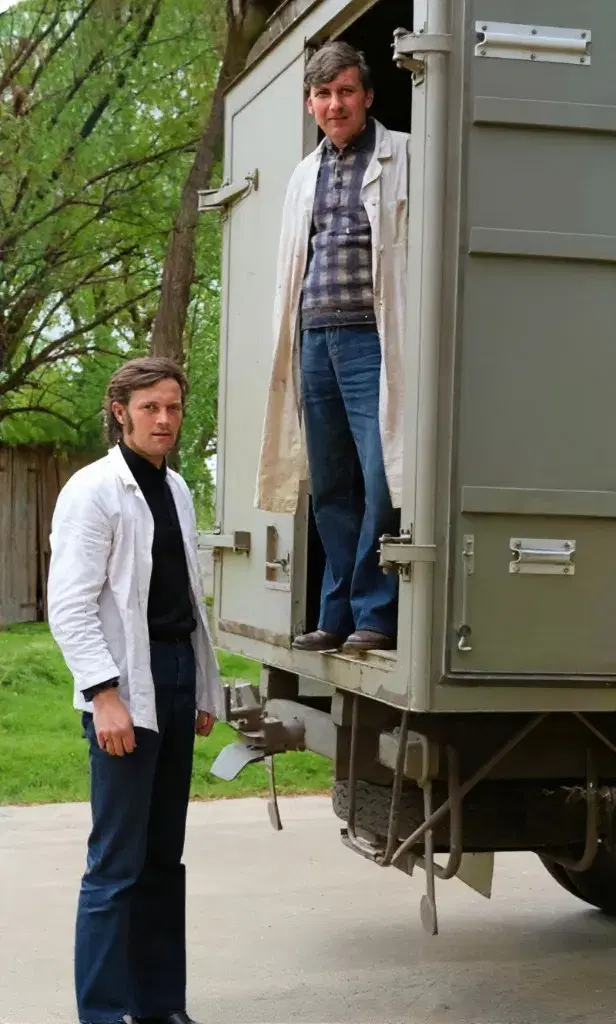
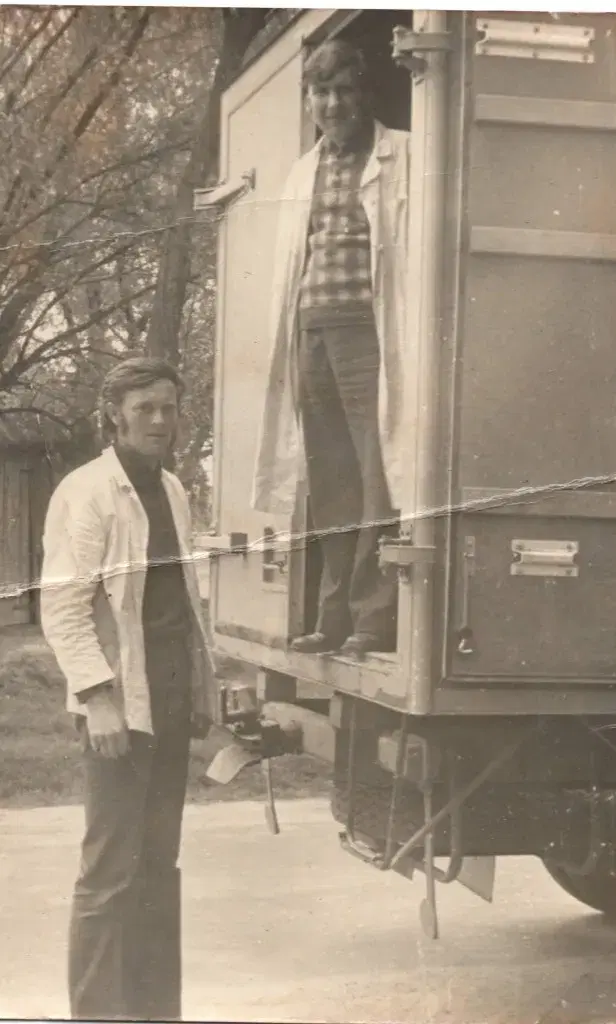
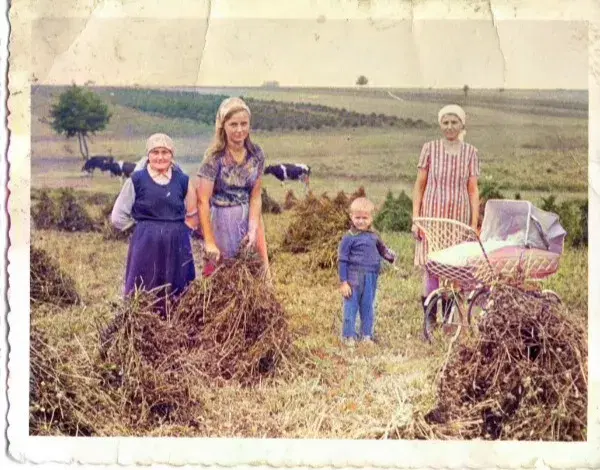
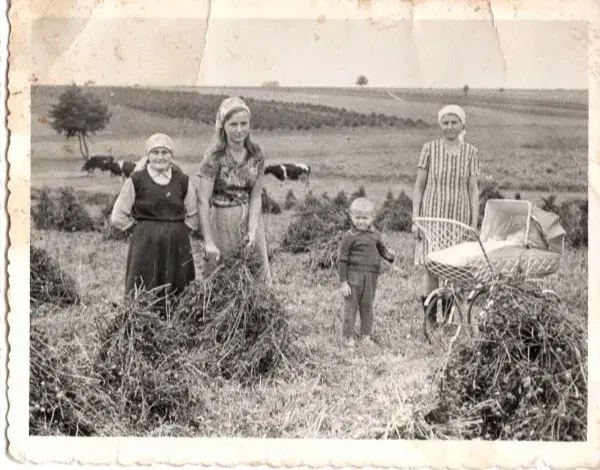
- 10 free credits
- No account to start
- Ready in minutes
Så restaurerar du ett foto
Tre steg. Öppna studion, ladda upp ett foto och se resultatet.
Steg 1
Upload a photo
From a phone or computer. One picture is enough - even damaged or black-and-white.
Steg 2
Choose an effect
Restore the face, add colour or sharpen the file for an album, plaque or memory profile.
Steg 3
Download the file
Take the restored photo at once. The studio runs in the browser - no install.
Restaurera det första fotot nu
Start with the free allowance. The studio opens in the browser - no account, no app.