Old photographs. Made new.
Restore a damaged photo
Scratches and faded paper - restore brings back the face the family remembers.
Add colour to black-and-white photos
Colourisation gives skin and background a natural tone, without hand painting.
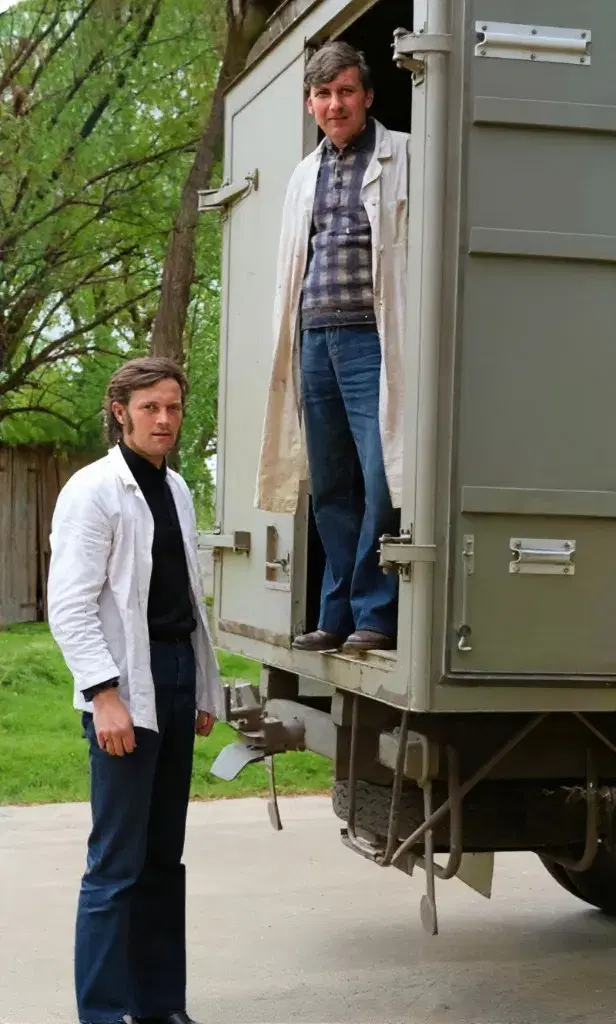
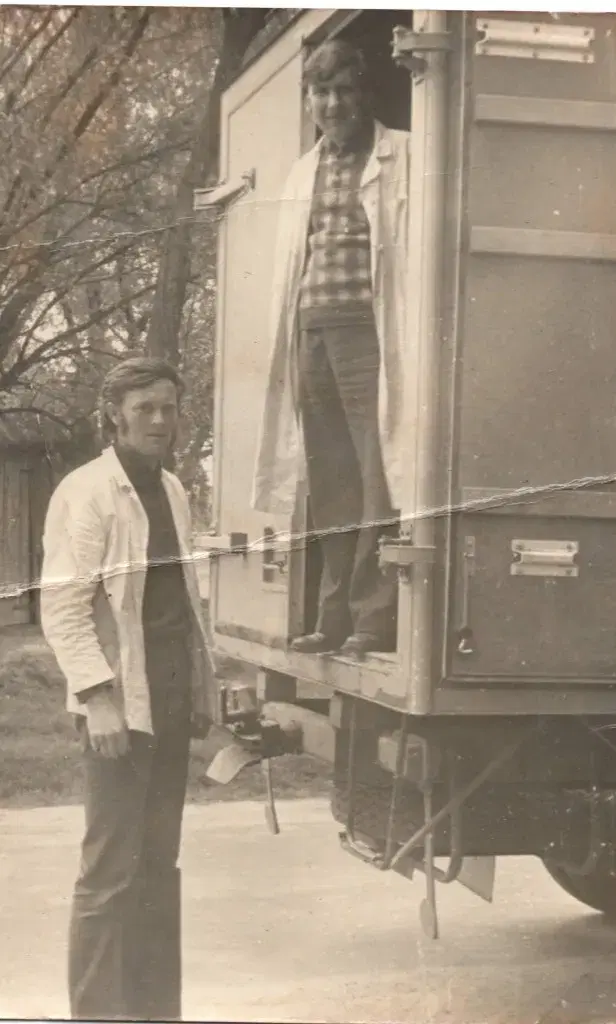
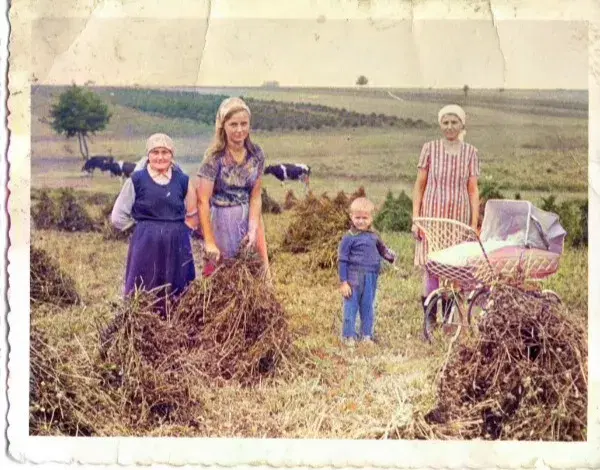
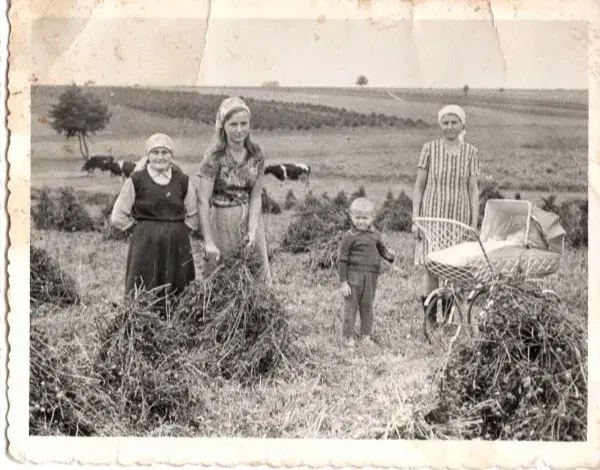
- 10 free credits
- No account to start
- Ready in minutes
How to restore a photo
Three steps. Open the studio, upload a photo and see the result.
Step 1
Upload a photo
From a phone or computer. One picture is enough - even damaged or black-and-white.
Step 2
Choose an effect
Restore the face, add colour or sharpen the file for an album, plaque or memory profile.
Step 3
Download the file
Take the restored photo at once. The studio runs in the browser - no install.
Restore the first photo now
Start with the free allowance. The studio opens in the browser - no account, no app.